本文档介绍如何通过 腾讯云 EdgeOne Makers 调用 Jev(TypeSafe System One)决策模型,对输入内容做结构化判断、分类与打分。
概述
Jev 是 TypeSafe AI 的旗舰模型,也是其第一个 System One 模型:它不生成文本,而是针对一段
state(待判断的内容)并行求值一组强类型问题(questions),直接返回可被代码消费的结构化结果(选项、分档、概率、置信度)。通过 EdgeOne Makers 内置模型统一接入后,您可以直接调用 @makers/jev,无需自行申请和管理 TypeSafe 账号与密钥。说明:
1. Jev 只提供 TypeSafe System One 原生协议,只能通过
/v1/systemone 调用,不能走 /v1/chat/completions 等聊天协议。2. Jev 不支持流式输出(System One 为一次性结构化求值)。
3. Jev 与其他内置模型共享账号的 Makers Models 每月免费 Token 额度,实际额度与消耗请以控制台展示为准。
操作步骤
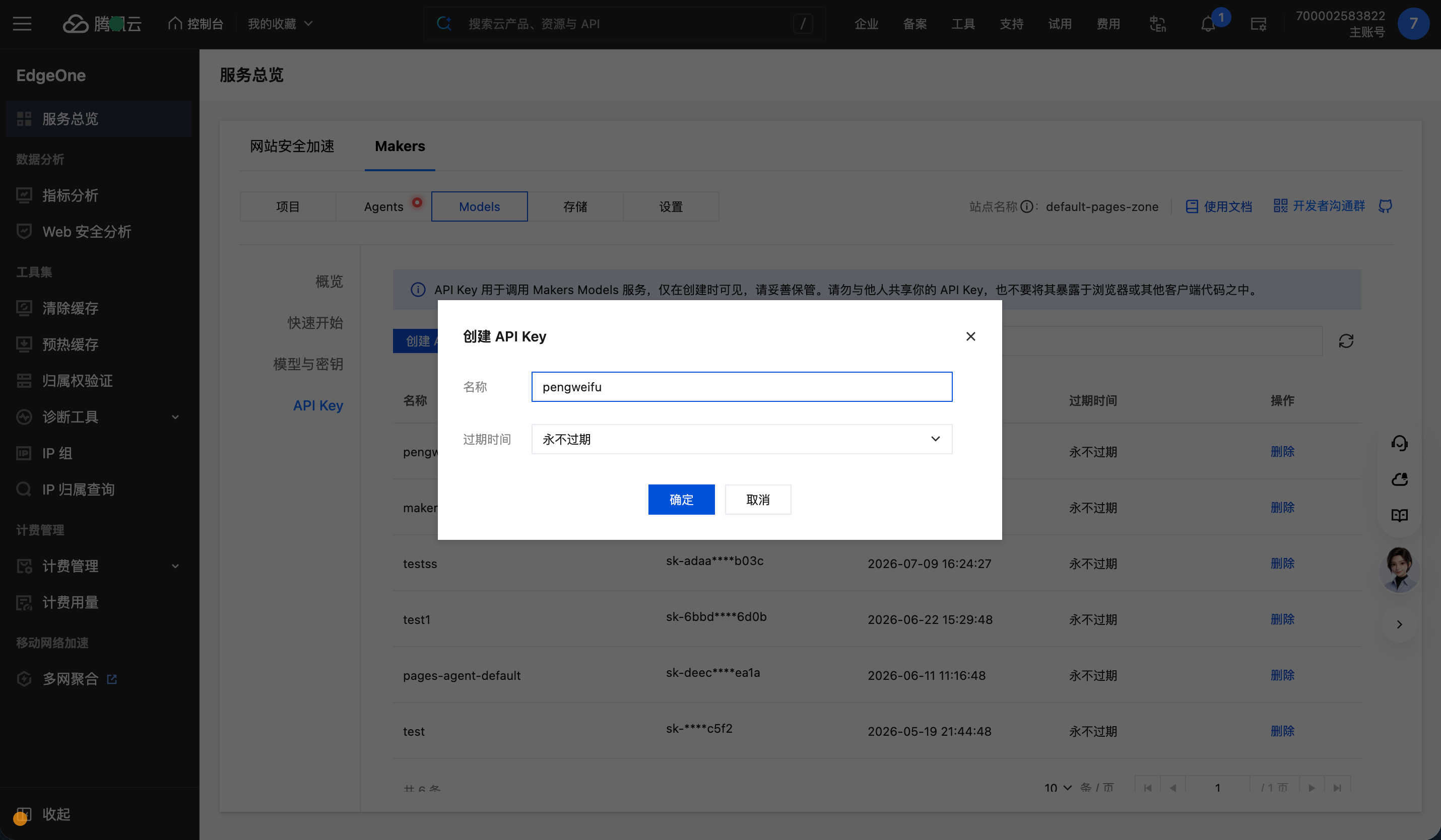
步骤一:创建 API Key
1. 登录 EdgeOne 控制台。
2. 进入控制台后页面已定位至 Makers - Models - API Key。
3. 单击 创建 API Key,填写名称并确认,创建完成后请妥善保存该 Key。
步骤二:调用模型
在 模型与密钥 页面的内置模型列表中可看到
@makers/jev,标识为内置模型。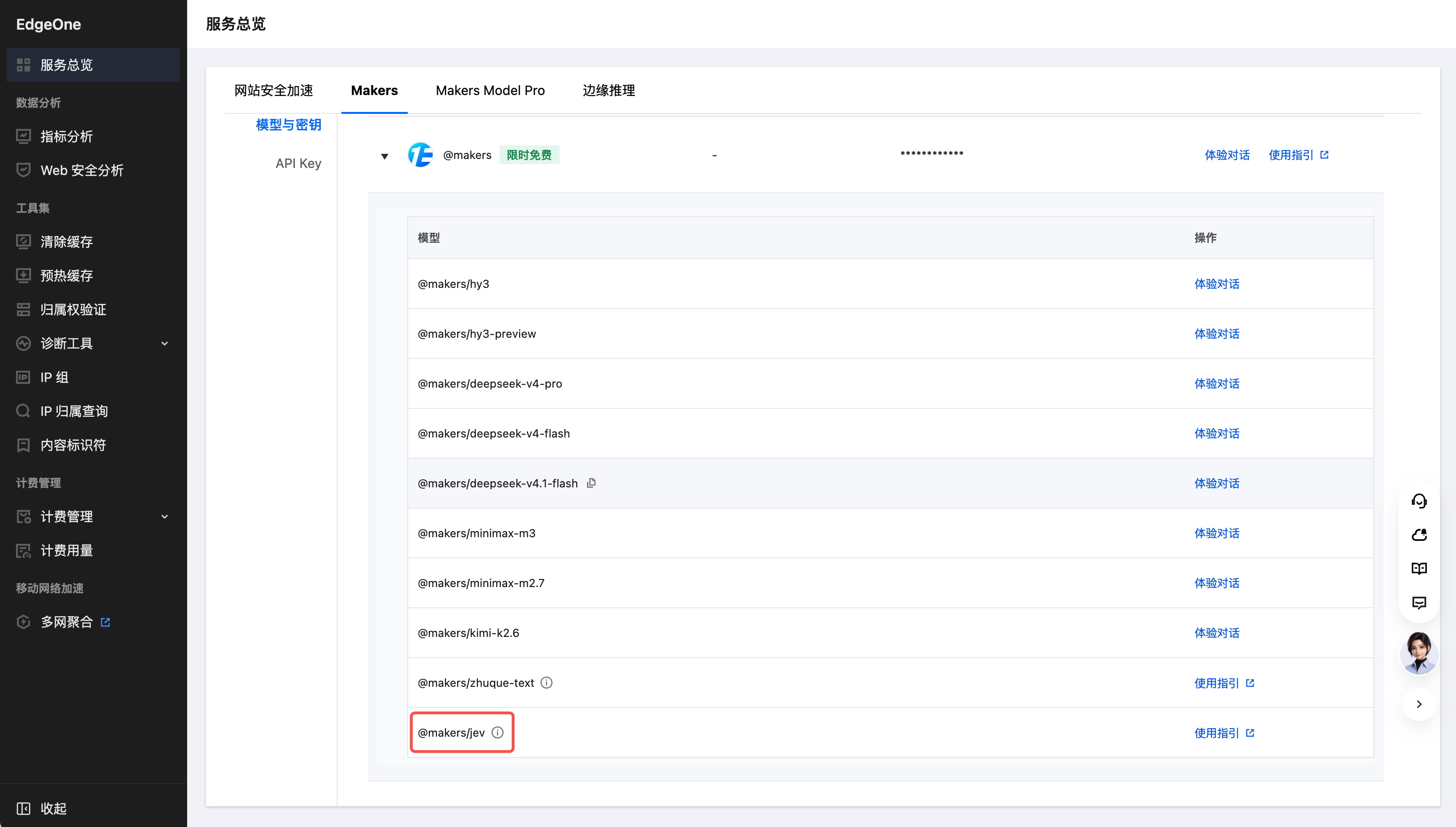
请求参数:
参数 | 位置 | 类型 | 必填 | 说明 |
model | Body | string | 否 | 固定为 @makers/jev;缺省时默认 @makers/jev。传入其他值会返回 400 |
state | Body | string / object / array | 是 | 待判断的内容。可以是纯文本,也可以是结构化对象/数组(如工单、订单、政策组合) |
questions | Body | object | 是 | 问题集合,键为您自定义的问题 ID,值为问题定义。同一次请求内所有问题针对同一个 state 并行、彼此隔离地求值 |
请求头参数:
参数 | 位置 | 类型 | 必填 | 说明 |
Authorization | Header | string | 是 | 鉴权信息,格式为 Bearer <API_KEY>。其中 <API_KEY> 为步骤一中创建并保存的 API Key,例如 Authorization: Bearer sk-xxxx |
Content-Type | Header | string | 是 | 固定为 application/json |
问题定义(questions.\\<id\\>):
字段 | 类型 | 必填 | 说明 |
type | string | 是 | 问题类型,取值 noul / choice / score |
instructions | string / object / array | 是 | 要判断的问题本身。问题 ID 不会发送给模型,判断逻辑必须写在这里 |
criteria | object / array | 视类型 | 可能的答案集合,格式见下表 |
问题类型:
类型 | 回答什么 | criteria 格式 | 返回字段 |
noul | 某个陈述是否为真 | 可选。对象,用于补充说明 yes / no 分别指什么 | noul(0~1,为 yes 的概率) |
choice | 在给定选项中选哪一个 | 必填。对象, 选项名 → 选项说明 | choice、probabilities、confidence |
score | 处于哪一档(有序分级) | 必填。数组,按 0,1,2… 顺序给出各档位描述 | score、legend、probabilities、confidence |
curl 示例:
curl -i -X POST "https://ai-gateway.edgeone.link/v1/systemone" \\-H "Authorization: Bearer <API_KEY>" \\-H "Content-Type: application/json" \\-d '{"model": "@makers/jev","state": "Hi, I have been trying to connect my Stripe account for 3 days and the integration keeps failing. I am losing sales. Please help ASAP.","questions": {"department": {"type": "choice","instructions": "Which team should handle this","criteria": {"billing": "Payment or subscription issues","technical": "Bugs or integration problems","sales": "Pricing or account questions"}},"frustration": {"type": "score","instructions": "How frustrated the customer appears","criteria": ["Calm, just stating facts","Frustrated but civil","Very angry, strong language"]},"is_urgent": {"type": "noul","instructions": "The message conveys urgency or time-sensitivity"}}}'
响应示例:
{"model": "jev-1.13.0","answers": {"department": {"type": "choice","choice": "technical","confidence": 0.78,"probabilities": { "technical": 0.85, "billing": 0.15, "sales": 0 }},"frustration": {"type": "score","score": 1,"confidence": 1,"legend": { "0": "Calm, just stating facts", "1": "Frustrated but civil", "2": "Very angry, strong language" },"probabilities": { "0": 0, "1": 1, "2": 0 }},"is_urgent": { "type": "noul", "noul": 1 }},"usage": { "input_tokens": 392, "output_tokens": 65 }}
响应字段说明:
字段 | 类型 | 说明 |
model | string | 实际使用的模型版本(模型别名解析结果,如 jev-1.13.0) |
answers | object | 与请求 questions 的键一一对应的答案 |
answers.<id>.type | string | 该答案对应的问题类型 |
answers.<id>.noul | float | noul 问题的结果,取值 [0, 1],表示判断为 yes 的概率 |
answers.<id>.choice | string | choice 问题选中的选项名,必定来自请求的 criteria |
answers.<id>.score | float | score 问题的分档结果,可落在两档之间 |
answers.<id>.legend | object | score 问题各档位的编号与描述映射 |
answers.<id>.probabilities | object | 各选项 / 各档位上的概率分布 |
answers.<id>.confidence | float | 概率分布的集中程度(仅 choice / score 返回) |
usage.input_tokens | int | 本次调用的输入 Token 数 |
usage.output_tokens | int | 本次调用的输出 Token 数 |
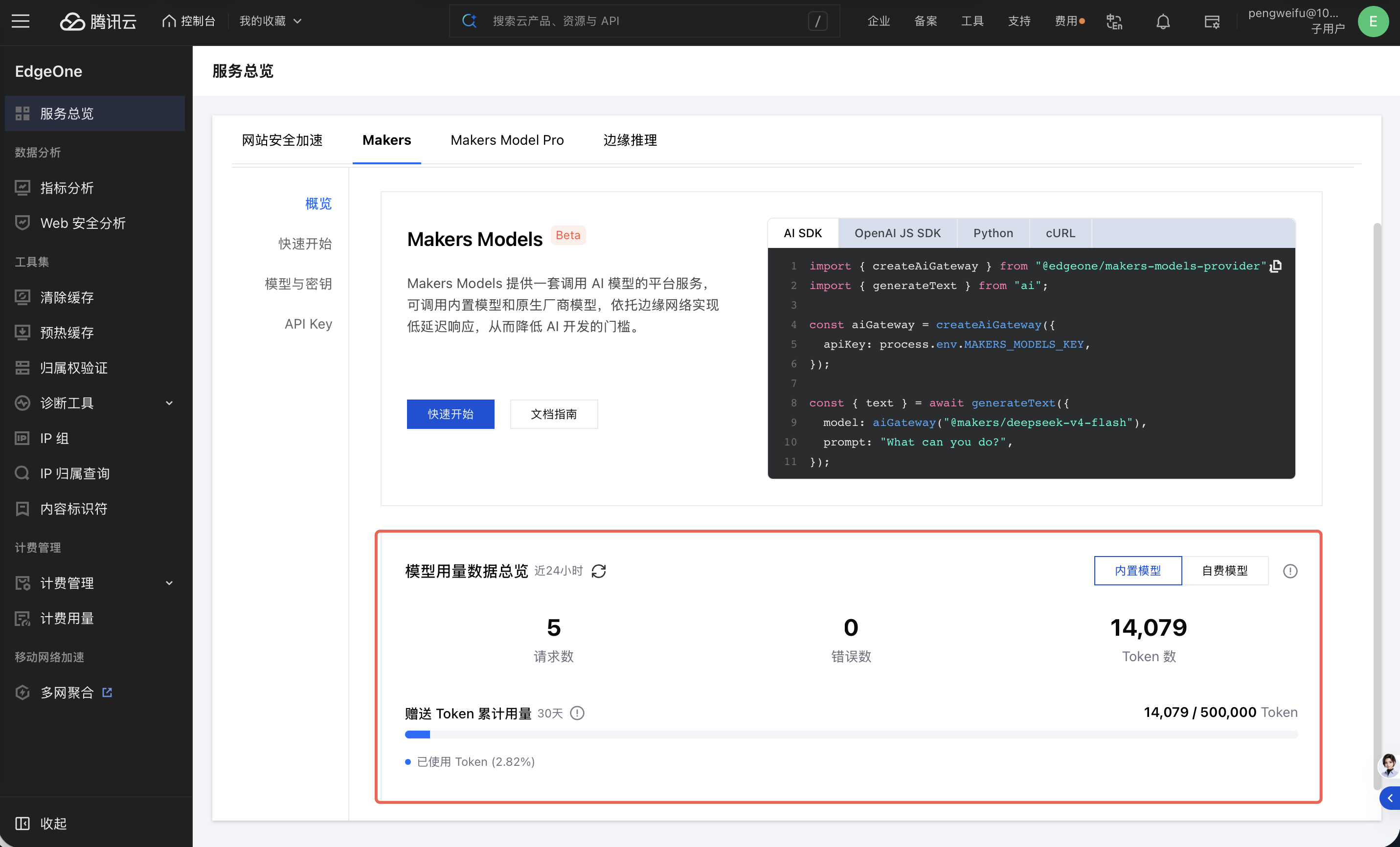
查看模型用量