Github Markdown 指定图片在光亮或暗黑模式展示

Github Markdown 指定图片在光亮或暗黑模式展示

用户10384376
发布于 2023-02-26 12:46:11
发布于 2023-02-26 12:46:11
Github 根据系统配置不同的主题模式:
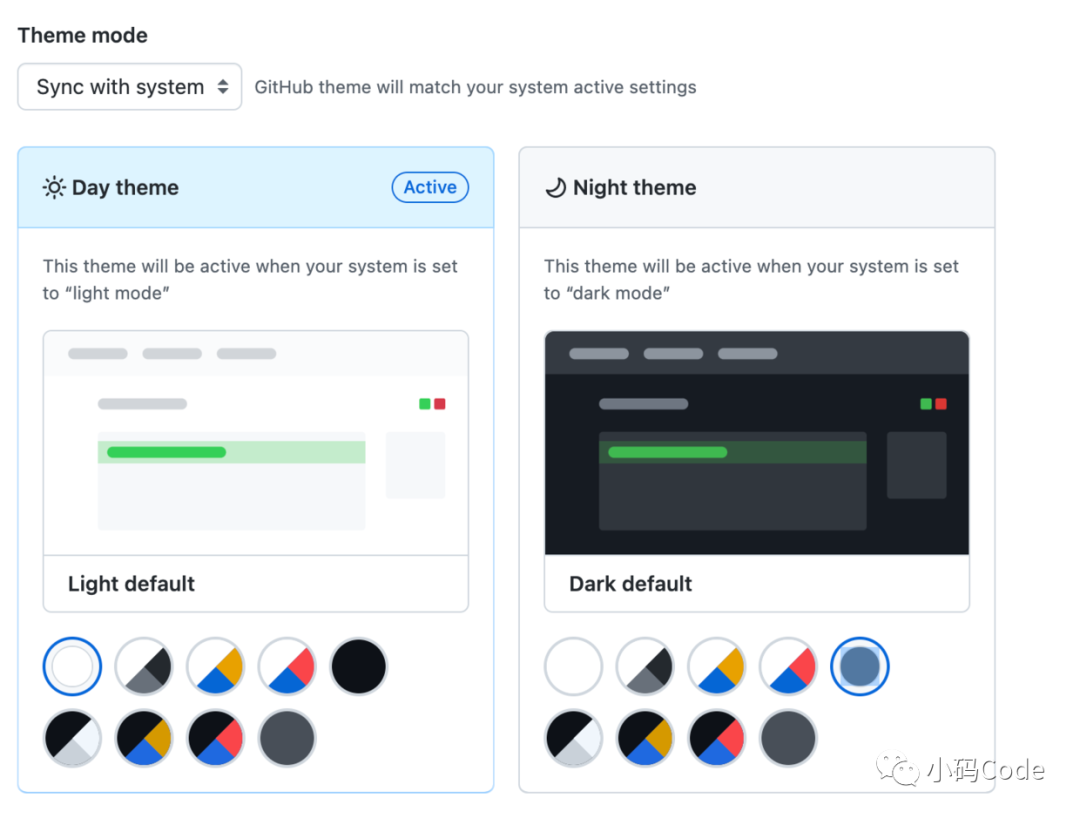
如果想要在光亮模式和暗黑模式显示不同的主题的图片,比如以下就是同一个图片在暗黑模式和光亮模式下展示:
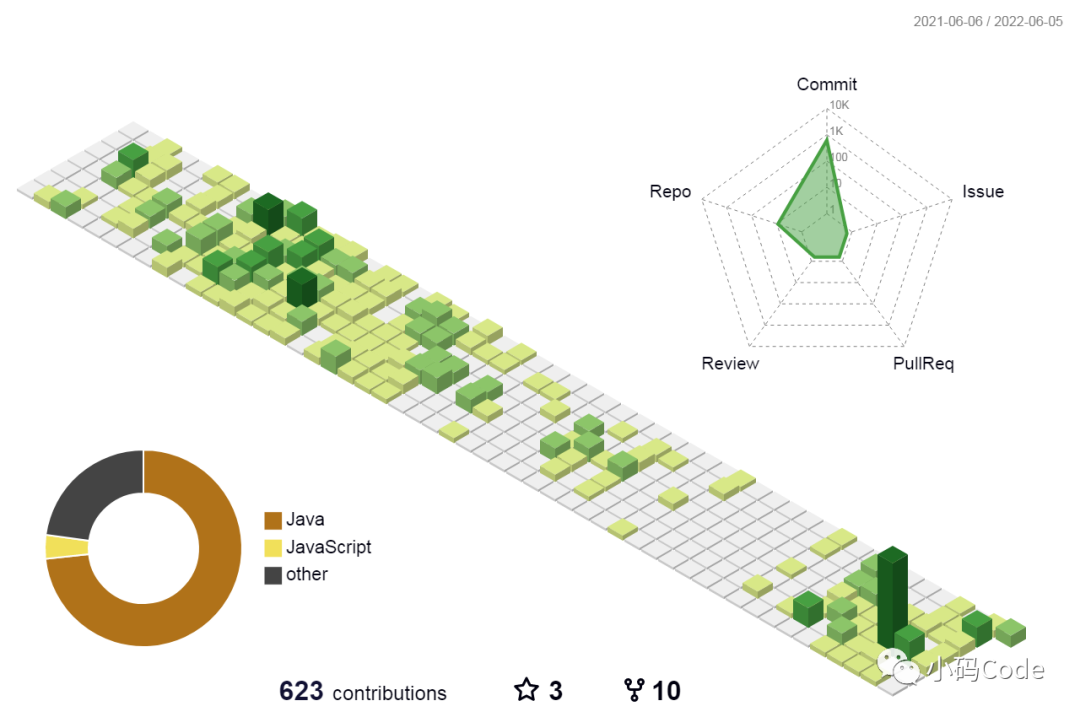

解决方案:
在markdon 的图片链接后添加#gh-dark-mode-only 或者 #gh-light-mode-only 参数。
暗黑模式添加参数 #gh-dark-mode-only
光亮模式添加参数 #gh-light-mode-only
比如:

引用好配置之后,markdown 就可以根据不同的主题展示对应的图片了。
总结
- 暗黑模式
 - 光亮模式

参考
Github doc Specifying the theme an image is shown to
本文参与 腾讯云自媒体同步曝光计划,分享自微信公众号。
原始发表:2022-06-06,如有侵权请联系 cloudcommunity@tencent.com 删除
评论
登录后参与评论
推荐阅读
目录
腾讯云开发者

Copyright © 2013 - 2026 Tencent Cloud. All Rights Reserved. 腾讯云 版权所有
深圳市腾讯计算机系统有限公司 ICP备案/许可证号:粤B2-20090059  粤公网安备44030502008569号
腾讯云计算(北京)有限责任公司 京ICP证150476号 | 京ICP备11018762号