
我看不见设计页面和其他一些问题
我看不见设计页面和其他一些问题
提问于 2018-03-01 19:18:45
在我将android更新为version 3.0.1之后,当我打开项目时。我有一些错误,我看不到设计页面,但如果我运行应用程序。我没问题。
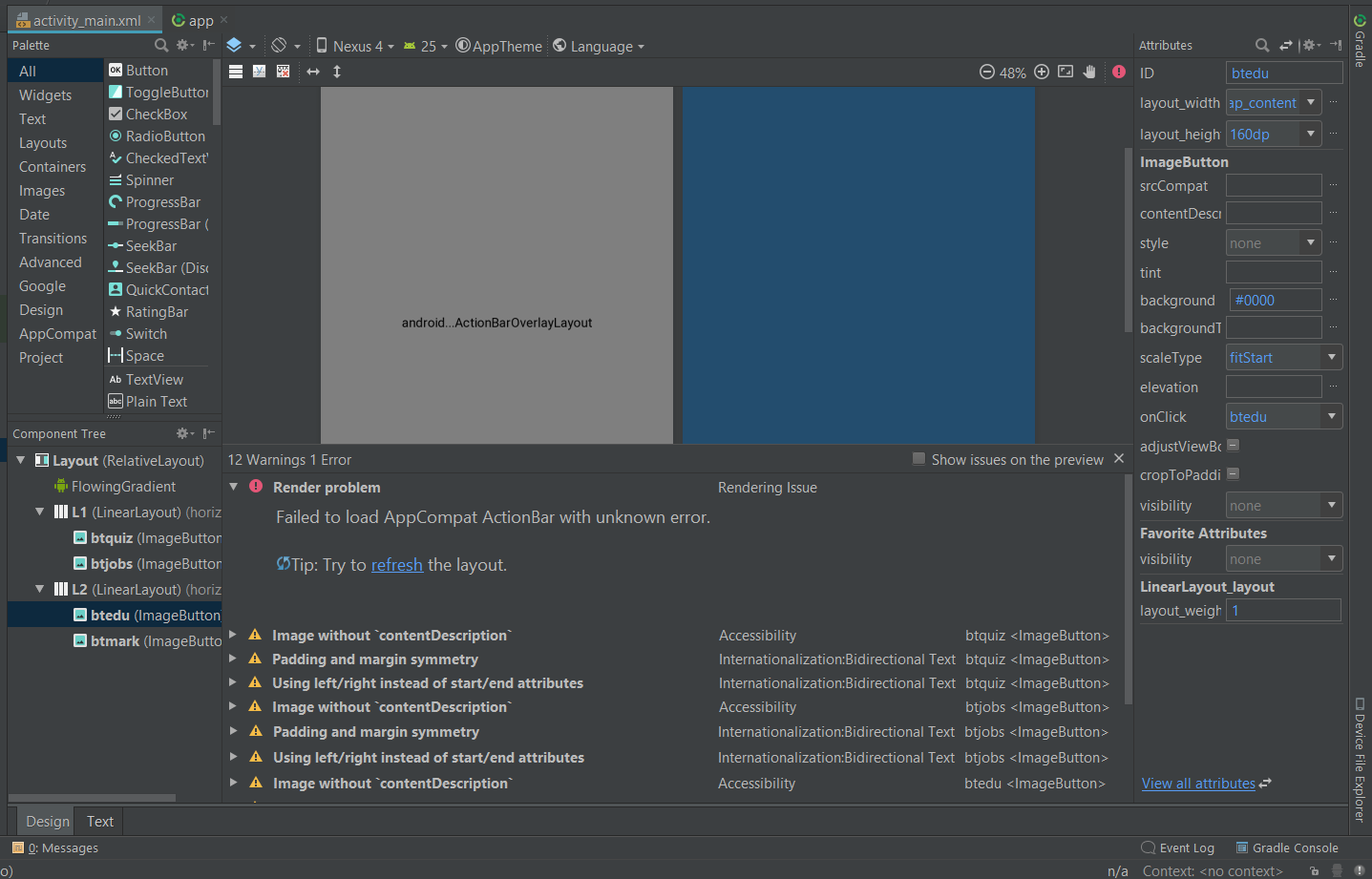
首先,这个错误是:
警告:指定的Android构建工具版本(23.0.3)被忽略,因为它低于Android插件3.0.1支持的最低版本(26.0.2)。Android构建工具26.0.2将被使用。要阻止此警告,请将"buildToolsVersion '23.0.3'“从您的build.gradle文件中删除,因为每个版本的Android插件现在都有一个默认版本的构建工具。
第二个错误:
未能加载带有未知错误的AppCompat ActionBar。
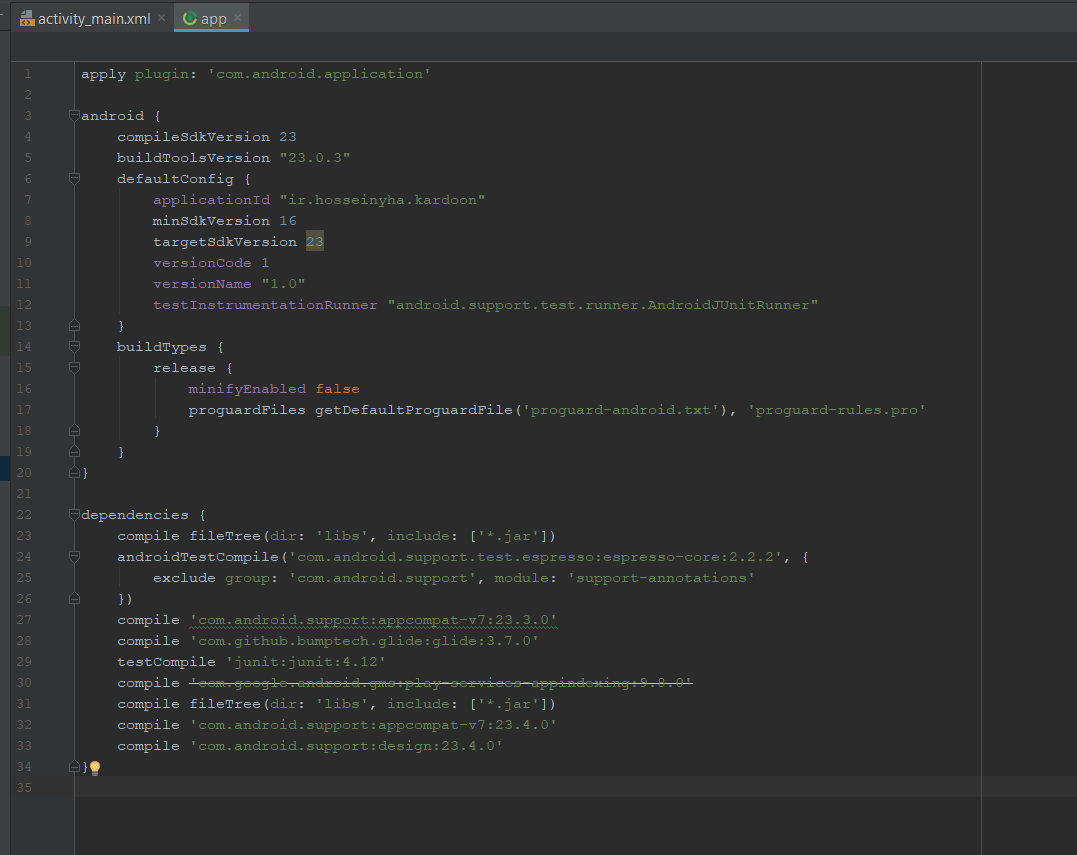
这是我的build.gradle(应用程序):
apply plugin: 'com.android.application'

android {
    compileSdkVersion 23
    buildToolsVersion "23.0.3"
    defaultConfig {
        applicationId "ir.hosseinyha.kardoon"
        minSdkVersion 16
        targetSdkVersion 23
        versionCode 1
        versionName "1.0"
        testInstrumentationRunner "android.support.test.runner.AndroidJUnitRunner"
    }
    buildTypes {
        release {
            minifyEnabled false
            proguardFiles getDefaultProguardFile('proguard-android.txt'), 'proguard-rules.pro'
        }
    }
}

dependencies {
    compile fileTree(dir: 'libs', include: ['*.jar'])
    androidTestCompile('com.android.support.test.espresso:espresso-core:2.2.2', {
        exclude group: 'com.android.support', module: 'support-annotations'
    })
    compile 'com.android.support:appcompat-v7:23.0.3'
    compile 'com.github.bumptech.glide:glide:3.7.0'
    testCompile 'junit:junit:4.12'
    compile 'com.google.android.gms:play-services-appindexing:9.8.0'
    compile fileTree(dir: 'libs', include: ['*.jar'])
    compile 'com.android.support:appcompat-v7:23.4.0'
    compile 'com.android.support:design:23.4.0'
}
坦克求救
回答 1
Stack Overflow用户
发布于 2018-10-20 07:09:59
您应该将所有com.android.support依赖项升级到最低支持版本(26.0.2+)。
还将tarcompileSdkVersion、buildToolsVersion、targetSdkVersion更改为实际值(26+,但更好地支持最新的- 28)。请注意,依赖项应该具有与buildTools和targetSdk相同的版本。
页面原文内容由Stack Overflow提供。腾讯云小微IT领域专用引擎提供翻译支持
原文链接:
https://stackoverflow.com/questions/49057165
复制相关文章
相似问题
腾讯云开发者

Copyright © 2013 - 2026 Tencent Cloud. All Rights Reserved. 腾讯云 版权所有
深圳市腾讯计算机系统有限公司 ICP备案/许可证号:粤B2-20090059  粤公网安备44030502008569号
腾讯云计算(北京)有限责任公司 京ICP证150476号 | 京ICP备11018762号